
Ask a small business owner where their marketing lives and you’ll often get a long answer. The website is in one place. Reviews are in another. Leads arrive by email, phone and web chat. The social calendar is a spreadsheet, or a sticky note. Every answer to “how are we doing?” requires opening five tabs.
At the same time, many owners have started using AI assistants like Claude or ChatGPT for everyday work: drafting emails, summarizing documents, brainstorming promotions. That raises a natural question: why can’t my assistant just tell me how my marketing is doing?
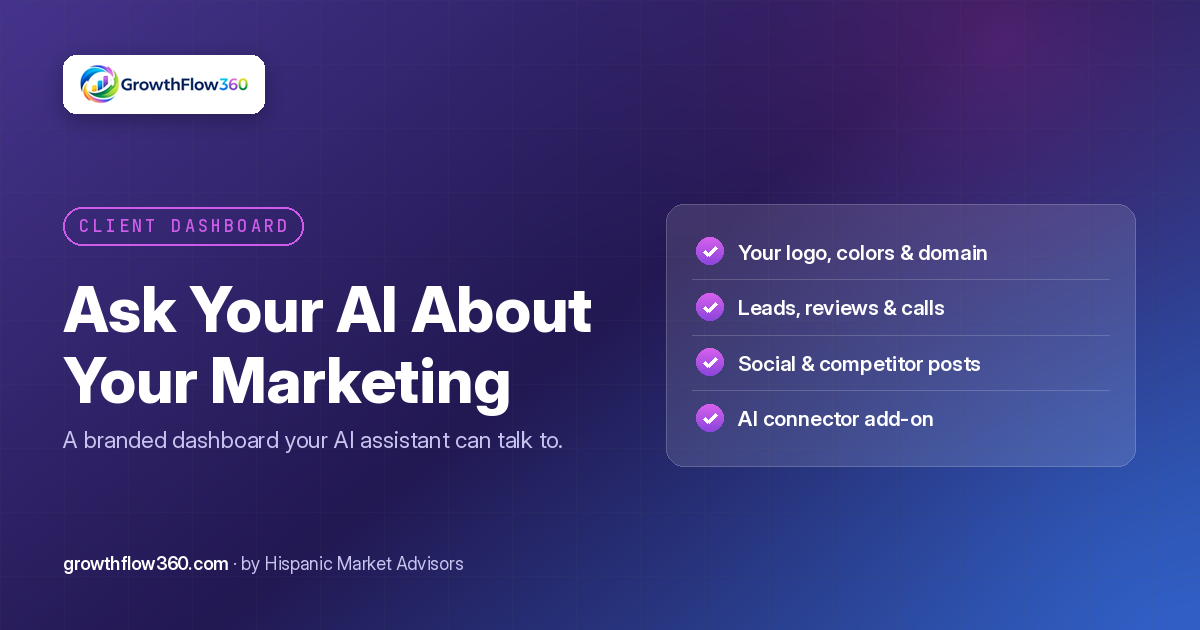
GrowthFlow360, the AI-powered marketing and website platform from Hispanic Market Advisors (HMA), is built around two answers to that question: a branded dashboard that pulls your marketing into one place, and an optional connector that lets your AI assistant talk to it.
Step one: one home base for your marketing
Before an assistant can help, your information has to live somewhere sensible. The GrowthFlow360 client dashboard brings together the pieces that usually sit in separate tools:
- Your website and the update requests you’ve made.
- Leads from your website chat and forms.
- Reviews and customer feedback.
- Your social media calendar and a view of what competitors are posting.
- Call tracking, so phone leads aren’t invisible.
When everything is in one place, you stop guessing and start seeing patterns.
Your logo, your colors, your address
A dashboard is something you and your team will open often, so it should feel like yours. GrowthFlow360’s client portal is branded with your business’s logo and colors and can live at its own subdomain or on your own custom domain.
That matters more than it sounds:
- Your team trusts it. Staff are more likely to use a tool that clearly belongs to the business.
- It’s easy to find. A memorable address beats digging up a vendor login page.
- It looks professional when you share it with a partner, a manager or a franchise owner.
Step two: let your AI assistant join the conversation
The MCP connector add-on links your GrowthFlow360 dashboard to compatible AI assistants, such as Claude or ChatGPT. MCP is an open standard designed to let AI assistants connect to outside tools in a structured way. In plain terms: once you connect it, your assistant can work with your dashboard instead of guessing.
Here are the kinds of questions owners want to be able to ask, in their own words:
- “What new leads came in this week, and which ones haven’t been followed up?”
- “Summarize our latest reviews. Is there a complaint that keeps coming up?”
- “What did our top competitors post on social media recently?”
- “What’s on our social calendar for next week?”
- “Request an update to our holiday hours on the website.”
Instead of logging in and clicking around, you get answers in the same chat window where you already draft emails and plan your week.
Why this is more useful than copying and pasting
You can already paste a spreadsheet into an AI assistant and ask questions about it. The difference with a connector is that:
- The information is current. You’re not working off last week’s export.
- Context stays together. Your assistant can connect a dip in reviews with a change in leads, or a competitor’s promotion with your own calendar.
- Actions can follow answers. When the next step is a website change, the goal is that you can request it right there, and it flows into the same process as any other request.
Guardrails still apply
Connecting an AI assistant to your business tools should never mean giving up control. A few principles guide how GrowthFlow360 approaches it:
- It’s opt-in. The connector is an add-on. If you don’t want it, your dashboard works exactly the same without it.
- You stay in charge. You decide whether to connect an assistant and who on your team uses it.
- The same review rules apply. A website request made through your AI assistant follows the same path as one sent by email or text. Routine changes can move quickly, while risky changes, like legal or medical claims, forms and SEO-sensitive edits, still get a human review.
The goal is convenience without shortcuts that put your business at risk.
Practical ways owners might use it
A connected assistant is most valuable when it saves you a recurring chore. A few examples:
- Monday morning briefing. Ask for a summary of last week’s leads, reviews and calls before your team meeting.
- Review response drafts. Ask your assistant to draft thoughtful replies to recent reviews, then edit and post them yourself.
- Content ideas. Ask what competitors have been posting and get suggestions for your own calendar that fit your voice.
- Quick website fixes. Spot an outdated detail while chatting and request the change without switching apps.
Getting ready, even before you sign up
You can prepare now, even if you’re not ready to connect anything:
- List the questions you ask most often about your marketing. Those are your best starting prompts.
- Decide who on your team needs access, and to what.
- Collect your brand assets: logo files, brand colors and the domain or subdomain you’d like to use for your portal.
- Pick your assistant. If your team already uses one, start there.
Join the GrowthFlow360 waitlist
If you’d like a branded marketing dashboard that pulls your website, leads, reviews and social media into one place, plus the option to connect it to the AI assistant you already use, join the waitlist at growthflow360.com/sign-up. We’ll reach out as soon as new spots open.
Get new articles by email
Practical guides on websites, SEO and growth for small businesses. One email when we publish. Unsubscribe anytime.
We'll send a confirmation link first. No spam. See our Privacy Policy.
Want this handled for you?
GrowthFlow360 keeps your website, content, reviews and leads working together.
Start Growing Today